Help & User Guide
How to use this platform - no investment advice, no ROI figures, just how the site works.
1.Wallet Connection
There is no username/password login. Your crypto wallet is your login. Connecting your wallet proves who you are and lets you sign transactions.
Supported wallets: MetaMask, Trust Wallet, and any wallet supporting WalletConnect.
- Click Connect Wallet in the top-right corner of any page.
- Choose your wallet from the list.
- Approve the connection request inside your wallet app.
- Make sure your wallet is switched to BNB Smart Chain - if it isn't, click the Switch network banner and confirm in your wallet.
1
Click Connect Wallet
Top-right corner of any page.
2
Choose wallet app
MetaMask, Trust Wallet, or WalletConnect.
3
Approve connection
Confirm inside your wallet app.
4
Check network
Switch to BNB Smart Chain if prompted.
2.Dashboard
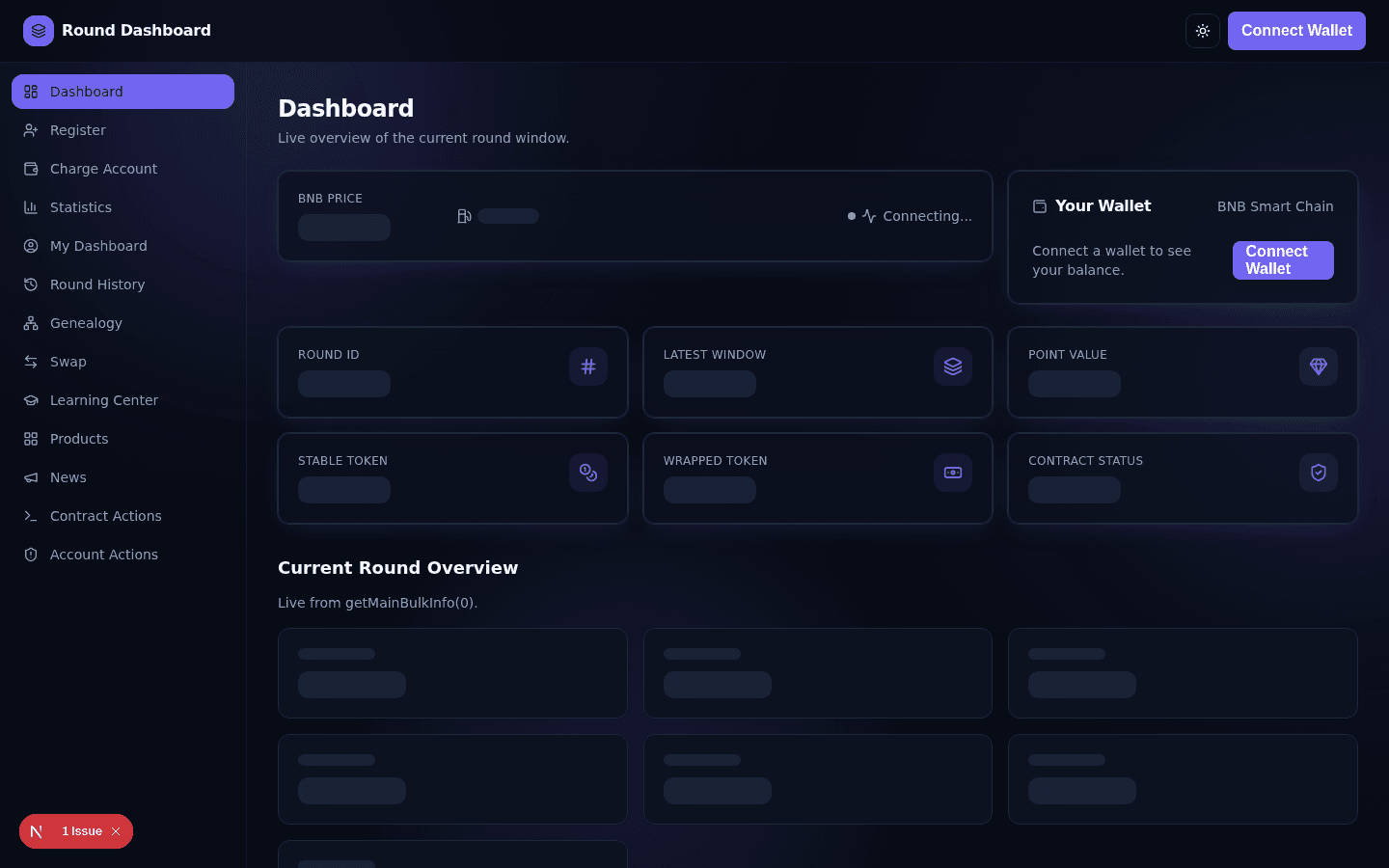
The Dashboard is the home page and gives a live snapshot of the current round:
- Native token price, 24h change, gas price and network/block status
- Your connected wallet address and live balance
- Round ID, Latest Window, Point Value, token addresses, contract status
- Current Round Overview - users, points, entered volume, next binary pay
- Network growth chart and recent activity
3.Registration
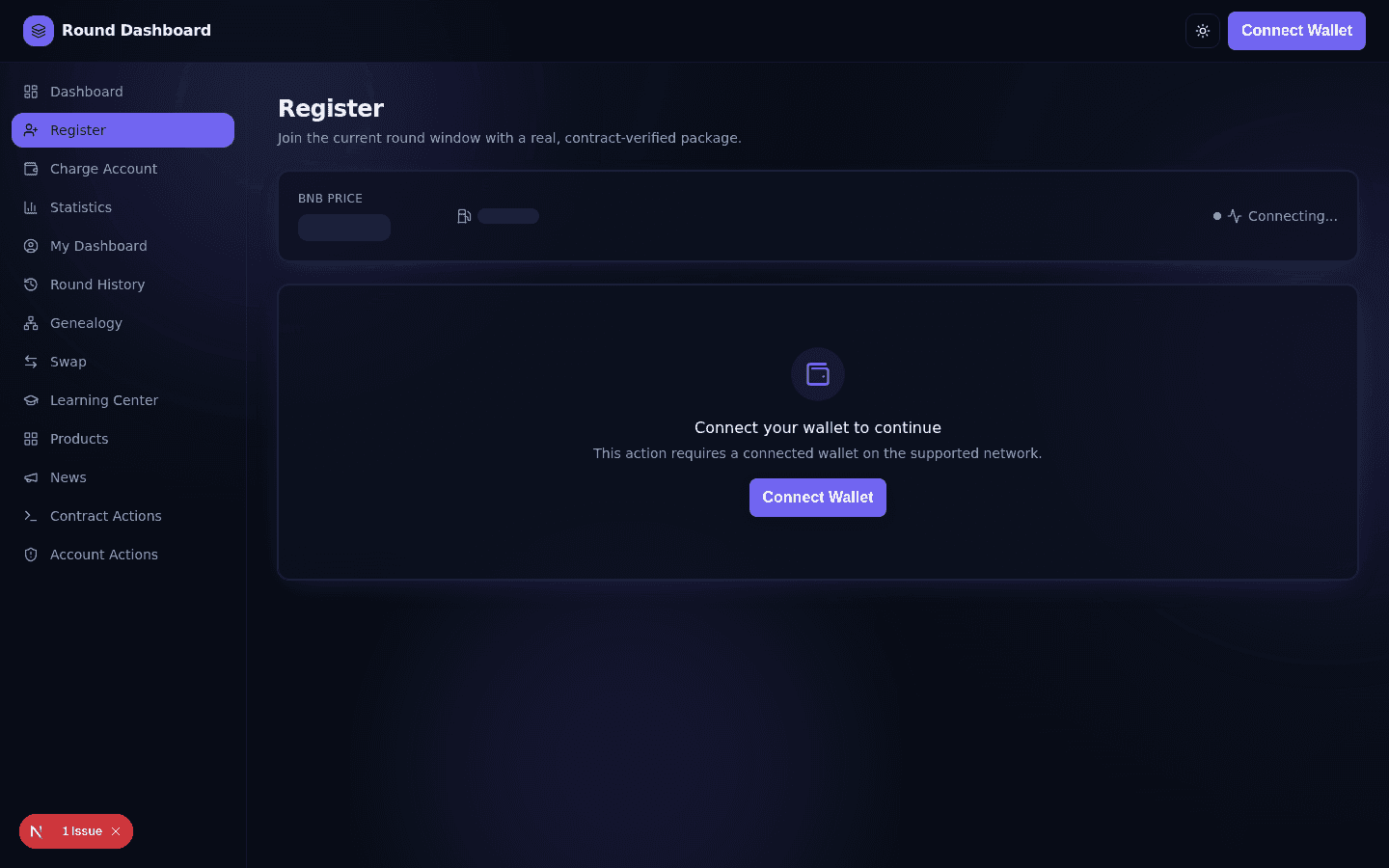
Registration is required once per wallet before you can do anything else on-chain.
- Connect your wallet.
- Go to Register in the sidebar.
- Choose a package - Starter, Professional, or Enterprise.
- Enter a Direct Sponsor and Referral Sponsor address (or use auto-fill).
- Choose USDT (approve once, if needed) or BNB as your payment method.
- Click Register and confirm in your wallet.
If your wallet is already registered, this page automatically links to Charge Account instead.
1
Select a package
Starter, Professional or Enterprise.
2
Enter sponsors
Direct + referral sponsor addresses.
3
Choose payment
USDT (approve) or BNB.
4
Confirm
Sign in your wallet and wait for confirmation.
4.Deposit Guide (Registration & Top-Up)
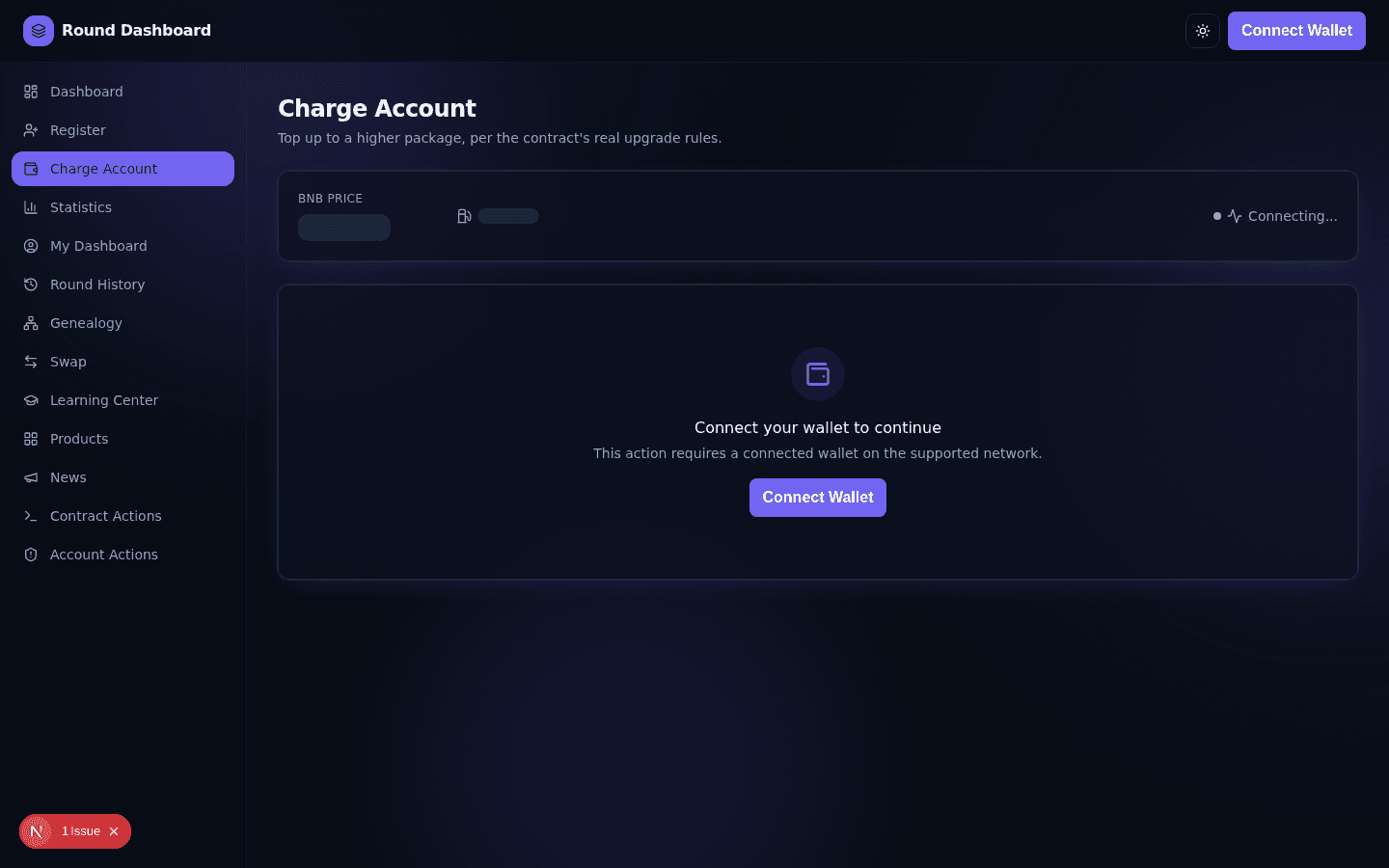
"Depositing" means either registering (first time) or topping up to a higher package on the Charge Account page.
- Supported assets: USDT (BEP-20) or BNB, on BNB Smart Chain.
- Amounts are fixed per package: $11, $55, or $110.
- Status shown live: Awaiting signature → Pending → Success/Failed, with an explorer link.
- Top-ups only allow a strictly higher package than your current one (the $110 package can renew itself once its cap is reached).
Common mistakes
Sending USDT without approving first, sending less BNB than required, or trying to top up to the same or a lower package - all of these will fail the transaction (gas is spent, but no funds are lost beyond that).
5.Withdrawal Guide
There is no manual "Withdraw" button on this platform. This is intentional, not a missing feature.
- Direct and binary earnings are paid automatically - your share is sent directly to your wallet as a USDT transfer when the contract processes payouts.
- Your accumulated figures are visible any time on your Profile page - they reflect amounts already paid or currently available under the contract's rules.
- Terminating your account pays out your insurance/assurance balance, if eligible, directly to your wallet at that moment.
6.Profile (My Dashboard)
The My Dashboard page shows a wallet's on-chain round data.
- Shows your own wallet by default; search any other address.
- Cards: Round Points, Total Enter, Worth, Users, Direct Earned, Binary Earned, Earnable, Insurance Status.
- Round History shows the same wallet's points and income across recent rounds as charts.
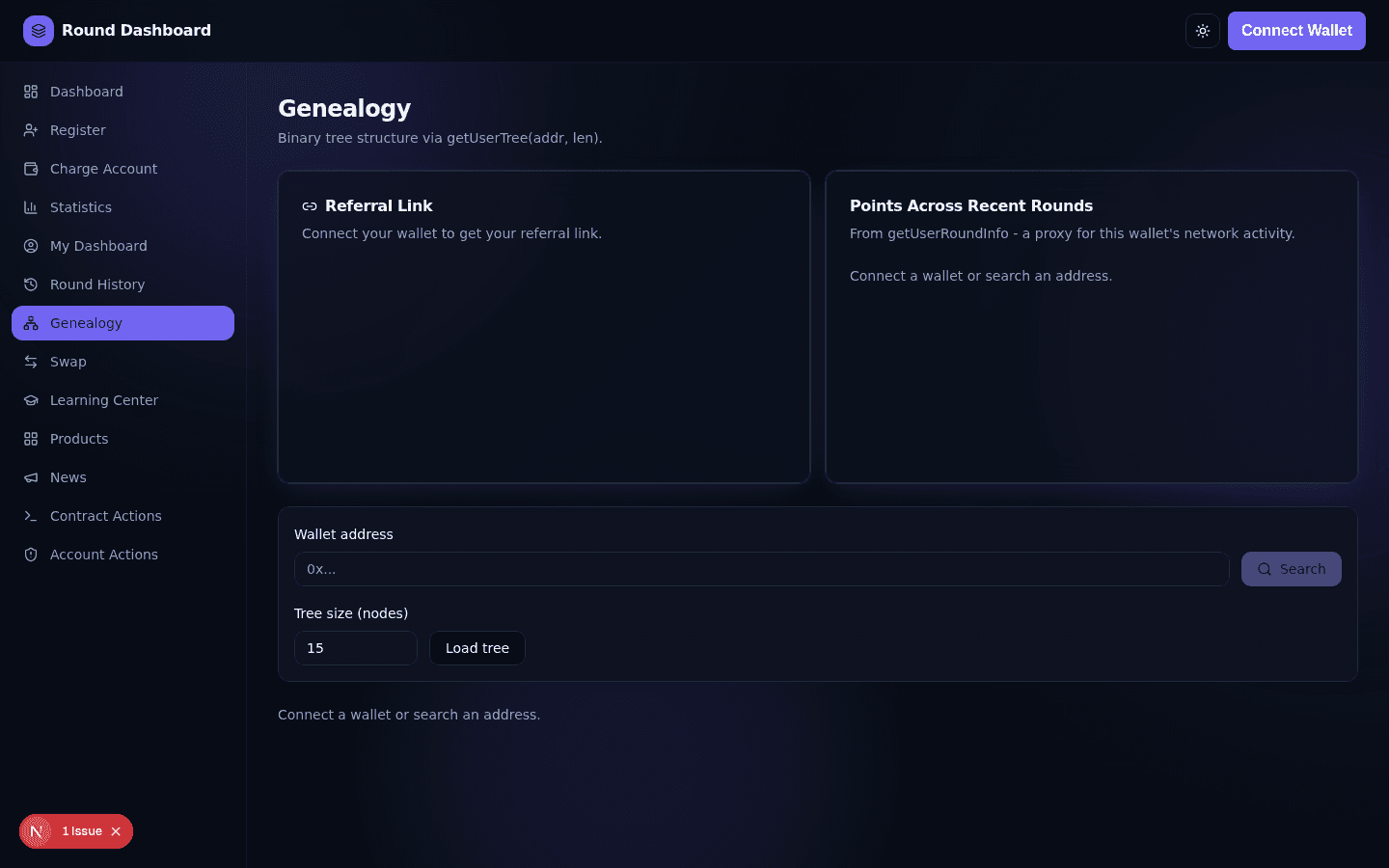
- Genealogy visualizes your referral tree and gives you a shareable referral link with a QR code.
7.Swap
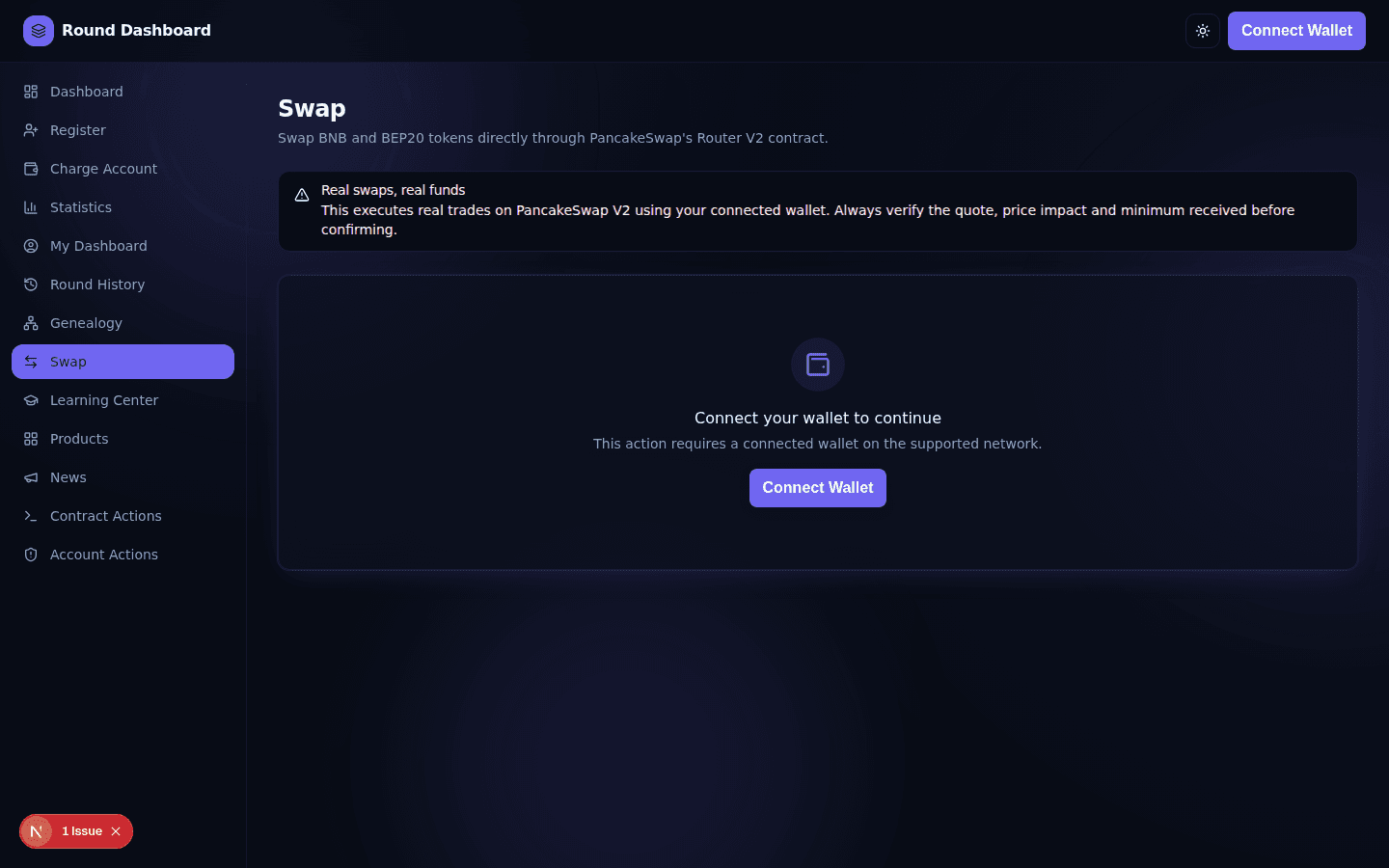
The Swap page lets you trade BNB and BEP-20 tokens directly through PancakeSwap's Router V2 contract. This is a real trading feature - every swap uses real funds.
- Connect your wallet and confirm you're on BNB Smart Chain.
- Choose the tokens you're swapping from/to.
- Enter an amount - see the live quote, price impact and minimum received.
- Adjust slippage if needed, approve the token if prompted, then swap.
8.Learning Center
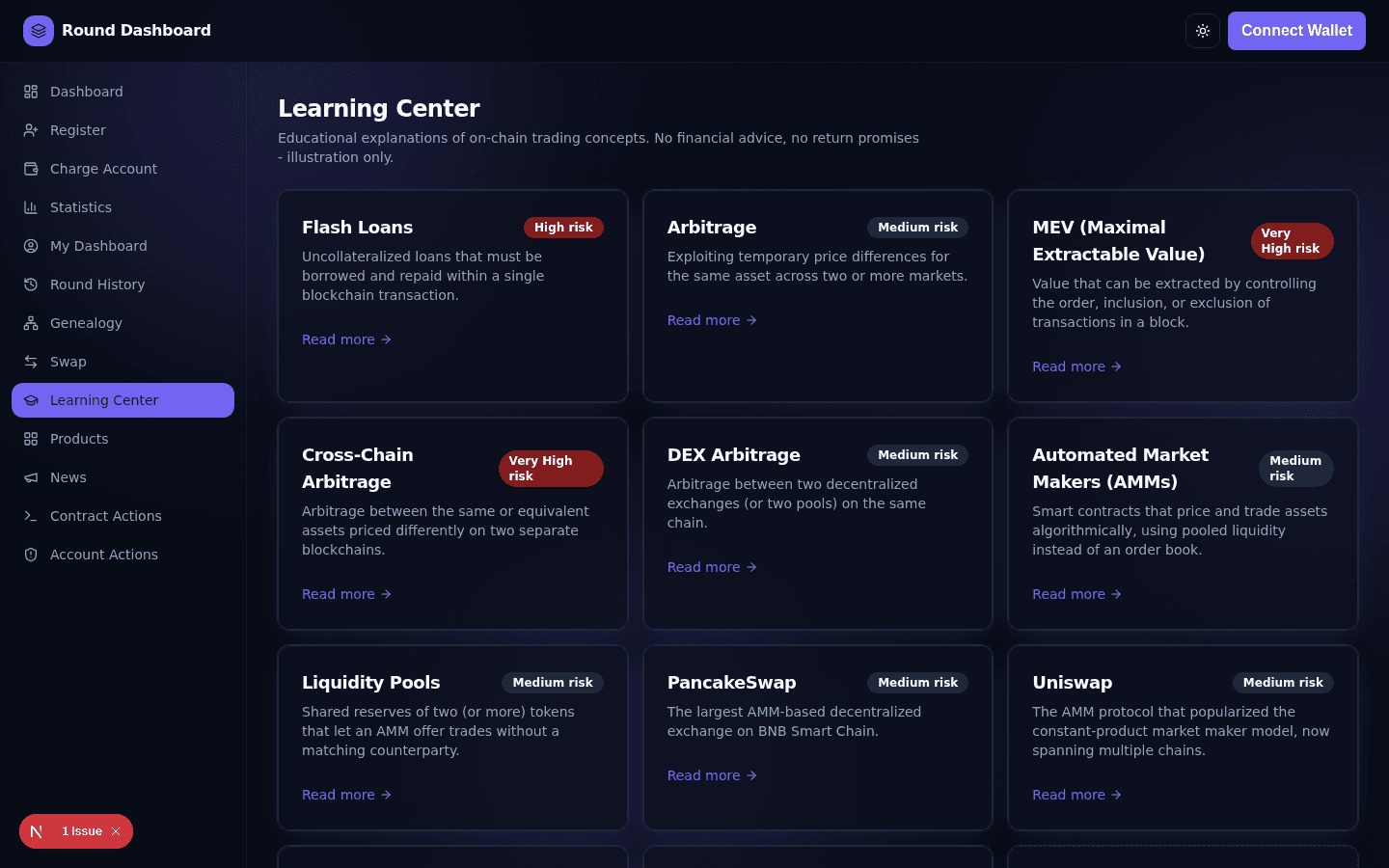
The Learning Center is educational content only - blockchain concepts explained with diagrams and FAQs. The Simulator is a fully manual calculator you control - it does not use real funds and does not predict or promise any real-world outcome.
9.Statistics
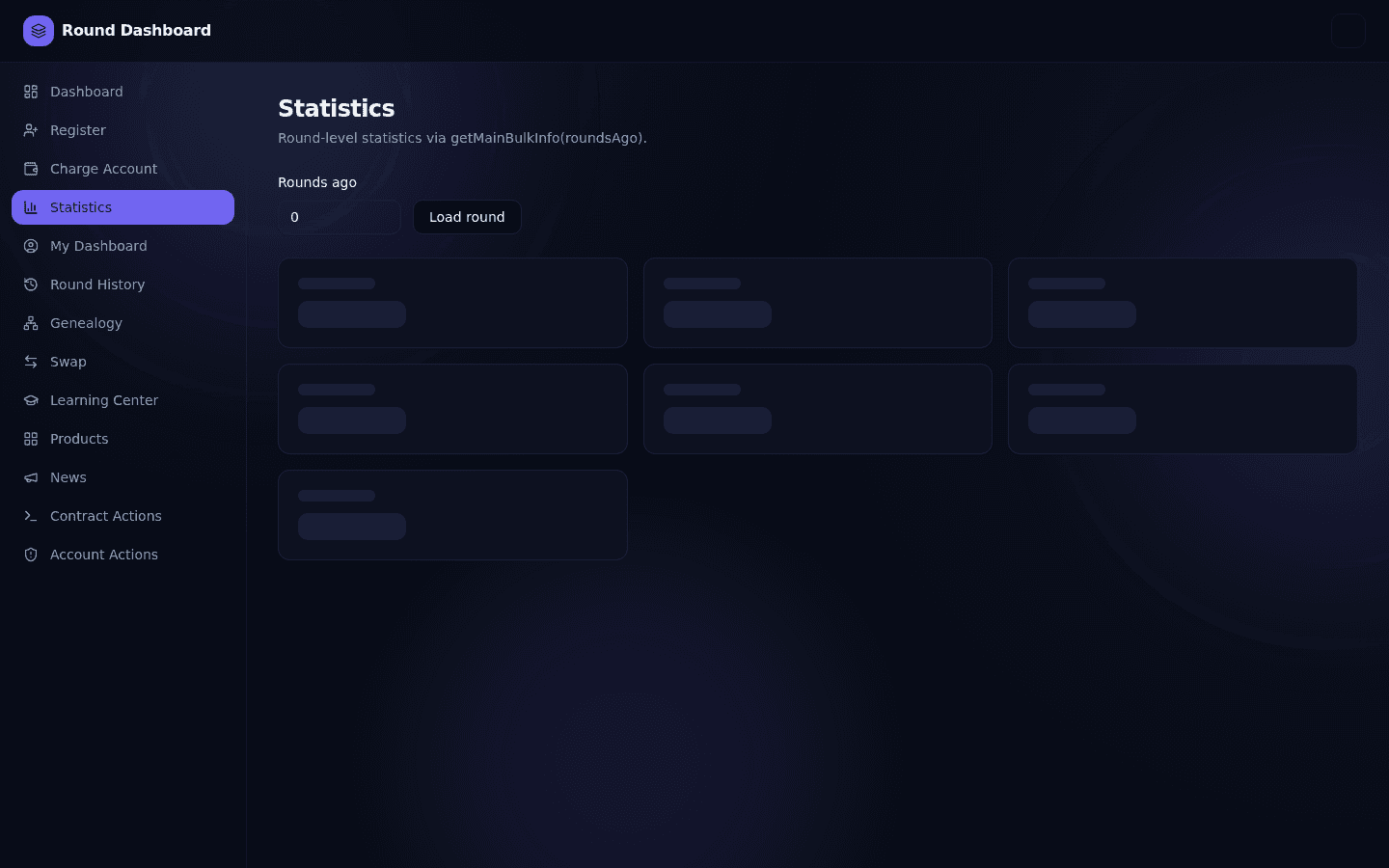
The Statistics page lets you browse round-level data for any past round using the "Rounds ago" field: total users, round points, point value, entered volume, and next binary pay timing.
10.Account Settings
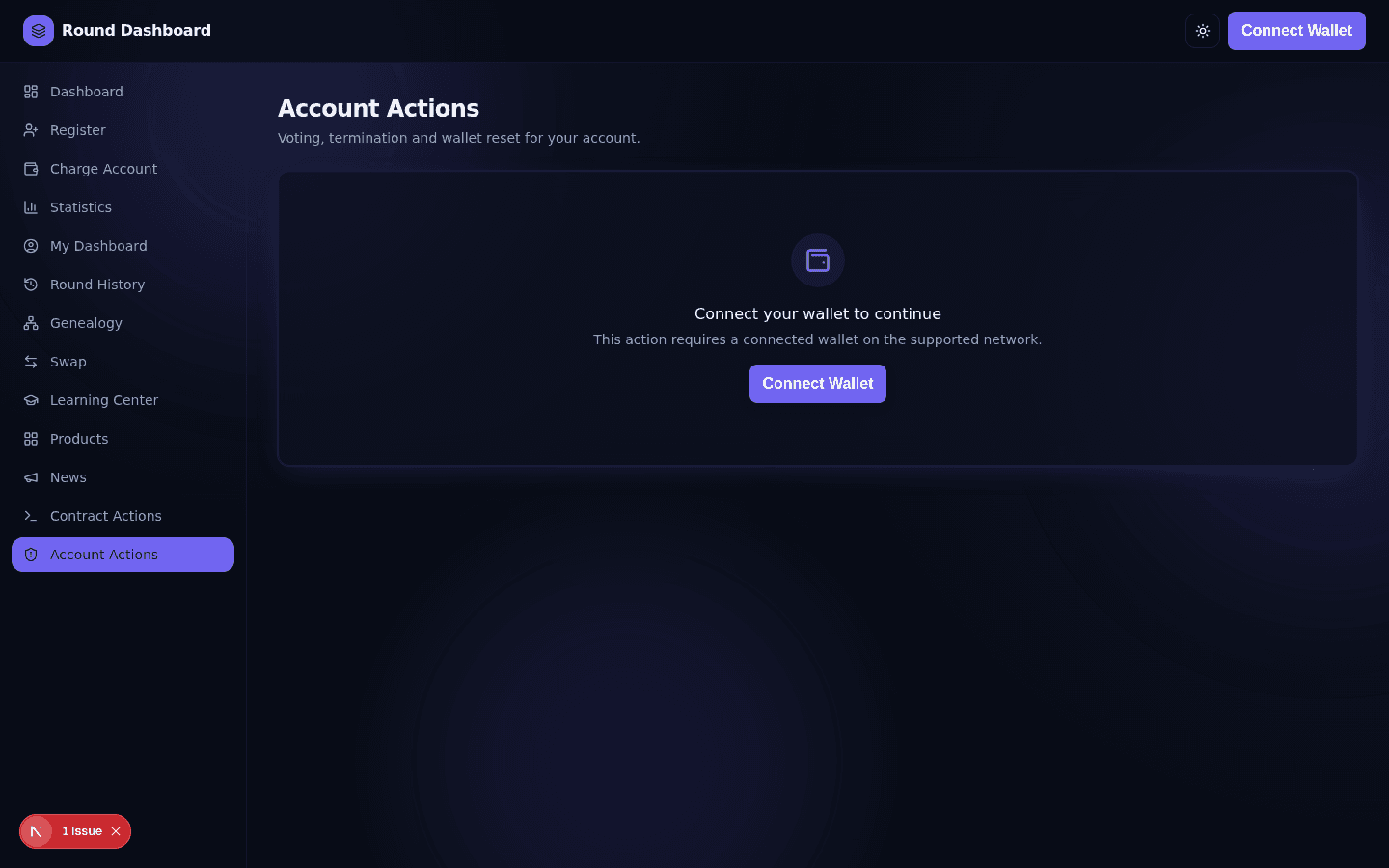
The Account Actions page contains wallet-level actions, each behind a confirmation dialog:
- Vote Shutdown - cast your vote to shut down the current round (once per round).
- Reset Wallet Address - move your account to a different wallet. Cannot be undone.
- Terminate Account - permanently close your account and pay out insurance, if eligible.
There's also a low-level Contract Actions page exposing every write function directly, with live parameters, gas estimate, and transaction status.
11.Security
- Never type your seed phrase or private key into this website or anywhere else.
- Read every transaction before approving it in your wallet.
- Double-check addresses before entering a sponsor or a new wallet address.
- Review token approvals periodically and revoke any you no longer need.
- Be alert to phishing - confirm the domain before connecting your wallet.
12.FAQ
Do I need an account or password?
No. Connecting your wallet is your login - there's no separate username/password.
Which networks are supported?
The contract lives on BNB Smart Chain. The wallet connector supports switching networks, but all contract actions require BNB Smart Chain.
Why can't I select a custom amount when registering?
The contract only accepts three fixed packages (10/50/100, i.e. $11/$55/$110). Any other amount is rejected on-chain.
I sent BNB but got some of it back - is that a bug?
No. Paying with BNB sends slightly more than needed as a buffer; the contract swaps only the exact USDT amount required and automatically refunds the rest.
Why is my Top-Up option greyed out?
You can only top up to a strictly higher package than your current one (except a $110 renewal, which has its own cap). The page shows the reason under any disabled option.
Where do I see my earnings?
On the Profile / My Dashboard page - Direct Earned, Binary Earned, and Earnable are shown there and update as the contract processes payouts.
How do I withdraw my earnings?
You don't need to - earnings are sent to your wallet automatically. See the Withdrawal Guide section.
Is the Swap page connected to real funds?
Yes. Unlike the Learning Center, Swap executes real trades with real funds via PancakeSwap.
Is the Learning Center Simulator using real money?
No. Every number there is a manual input you control; no wallet or transaction is involved.
Can I change my registered wallet address?
Yes, via Reset Wallet Address on the Account Actions page. This is permanent once confirmed.
What happens if I terminate my account?
It's permanent for this round window. Any eligible insurance/assurance balance is paid out to your wallet at that moment.
Why did my transaction revert?
See the Troubleshooting table below for the most common on-chain error messages and what they mean.
13.Troubleshooting
| Symptom | Likely cause | What to do |
|---|---|---|
| "Connect Wallet" does nothing | Wallet extension not installed / blocked pop-up | Install MetaMask/Trust Wallet or allow the connection pop-up |
| "Switch network" banner won't go away | Wallet still on the wrong chain | Click the banner, approve the network switch in your wallet |
| Transaction stuck on "Awaiting signature" | Wallet pop-up hidden behind another window, or dismissed | Check your wallet extension/app for a pending request |
| InvalidStartBox error | Trying to register/top-up with a value other than the three valid packages | Only use the package cards shown on Register/Charge Account |
| InsufficientPayment error | Sent too little BNB, or USDT allowance too low | Increase the BNB amount, or approve a sufficient USDT allowance |
| UserNotFound error | Action requires a registered wallet, but this one isn't registered | Register first |
| WindowClosed error | This round window has already closed | The Dashboard automatically switches to the latest round window - refresh the page and try again |
| AlreadyVoted error | You already voted to shut down this round | No action needed - one vote per round is allowed |
| Swap quote shows "No liquidity route" | The selected token pair has no direct pool | Choose a different token pair |
| Gas estimate fails silently | Wallet not connected, or invalid inputs | Fill in all required fields correctly, then try again |
If a problem persists, note the exact error message and the transaction hash (if any) from the transaction status panel.